How to Use Notepad Online for Fast and Secure Note-Taking
By mtools Team | 5 min read
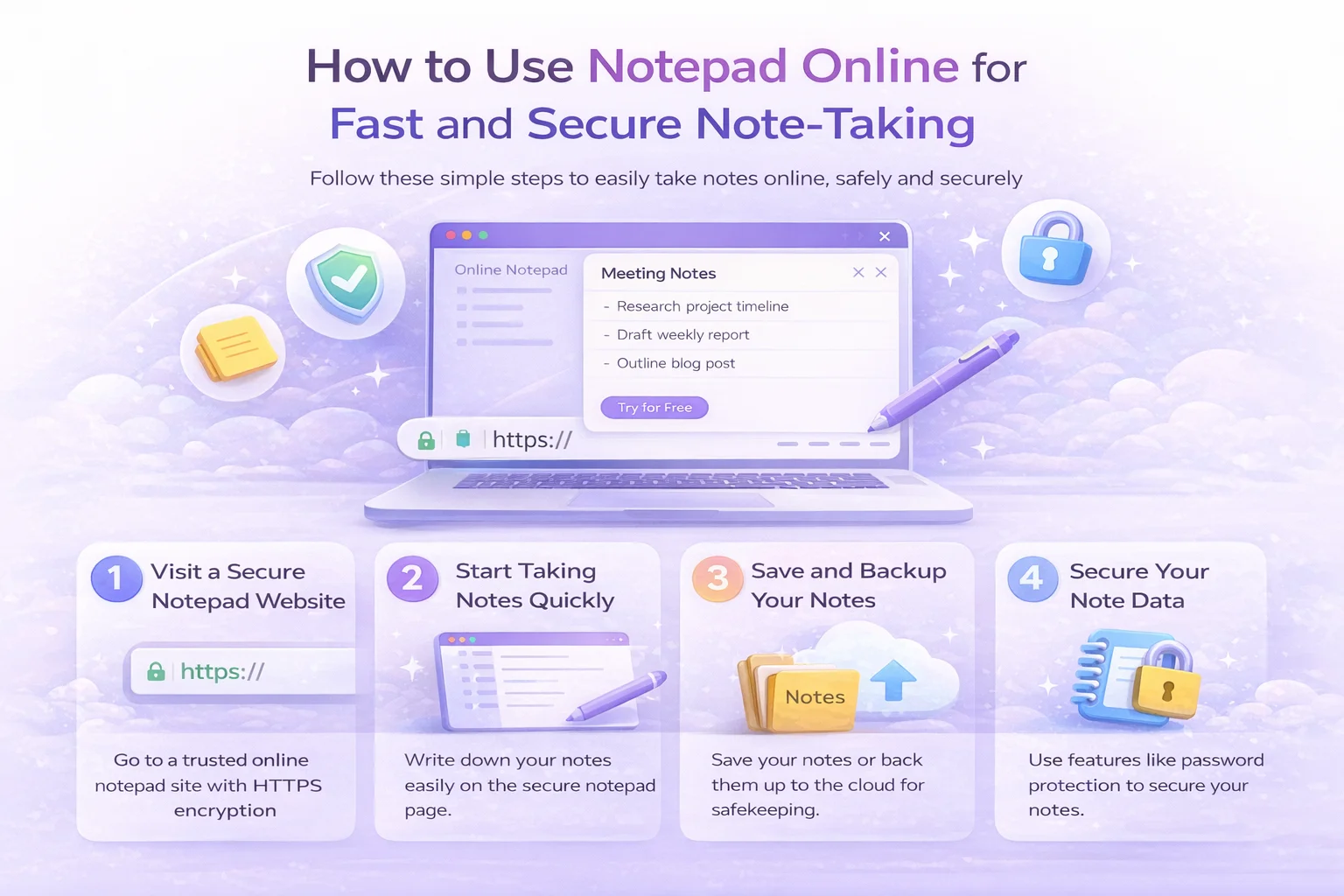
In an era where speed and security are paramount, the traditional methods of jotting down information on physical paper or relying on heavy, desktop-bound software are rapidly becoming obsolete. Whether you are a developer, a student, or a business professional, having access to a free notepad online can revolutionize your workflow. This guide will walk you through exactly how to use notepad online to maximize your productivity without compromising your data privacy.
Why Switch to an Online Text Editor?
The shift towards cloud-based utilities is not just a trend; it is a practical evolution of how we handle information. An online text editor offers distinct advantages over local applications:
- Accessibility: Access your notes from any device with a browser—be it a laptop, tablet, or smartphone.
- No Installation Required: Save valuable storage space and time by avoiding downloads and updates.
- Automatic Saving: Modern tools utilize local storage technology to save your work in real-time, preventing data loss.
Getting Started with Your Quick Note Tool
Using a web-based notepad is designed to be intuitive, but understanding its full potential allows you to work smarter. The first step is finding a platform that balances simplicity with robust functionality. For a seamless experience, you can try this free notepad online which is engineered for speed.
Step 1: Accessing the Platform
There are no accounts to create or passwords to remember. Simply open your web browser and navigate to your preferred quick note tool. Within seconds, the interface loads, ready for input. This frictionless entry is crucial for capturing fleeting thoughts before they disappear.
Step 2: Utilizing the Distraction-Free Interface
One of the primary benefits of a specialized online text editor is the clean environment. Unlike complex word processors cluttered with toolbars, a dedicated notepad focuses purely on the content. Look for features like "Focus Mode" which fades out everything except the paragraph you are currently writing.
Key Features for Secure Note-Taking
Security is often the top concern when moving data to the web. It is a common misconception that online tools are inherently unsafe. However, the best free notepad online solutions prioritize privacy through specific architectural choices.
Local Storage Technology
When asking how to use notepad online securely, the key lies in understanding where the data goes. Premium tools do not send your text to a remote server to be stored in a database. Instead, they use your browser's LocalStorage. This means your text never leaves your device. If you close the tab and come back later, the text is still there, safely stored in your browser's cache.
Export and Encryption
For sensitive information, look for a quick note tool that offers one-click download options. You can save your notes as .txt files directly to your hard drive for permanent storage. Some advanced editors even offer client-side encryption, ensuring that even if someone intercepts the data, it remains unreadable without the key.
Start Writing Securely NowAdvanced Tips for Maximum Productivity
Once you are comfortable with the basics, you can leverage advanced features to streamline your daily tasks.
Keyboard Shortcuts
Speed is the name of the game. Familiarize yourself with keyboard shortcuts such as Ctrl + S (to force save), Ctrl + B (for bold), and Tab (for indentation). Mastering these turns your online text editor into a powerful command center.
Organization and Markdown
Many modern online notepads support Markdown, a lightweight markup language that allows you to format text using simple syntax. For example, surrounding a word with asterisks (*word*) italicizes it. This allows for rapid formatting without taking your hands off the keyboard.
Conclusion
Adopting a free notepad online is more than just a convenience; it is a strategic move towards a more agile digital lifestyle. By understanding how to use notepad online effectively—utilizing focus modes, understanding local storage for security, and leveraging keyboard shortcuts—you can ensure that your ideas are captured instantly and safely. The goal is to remove the friction between thought and documentation.
Ready to upgrade your writing experience? Visit mtools.cloud notepad online today and discover the difference a professional tool can make.