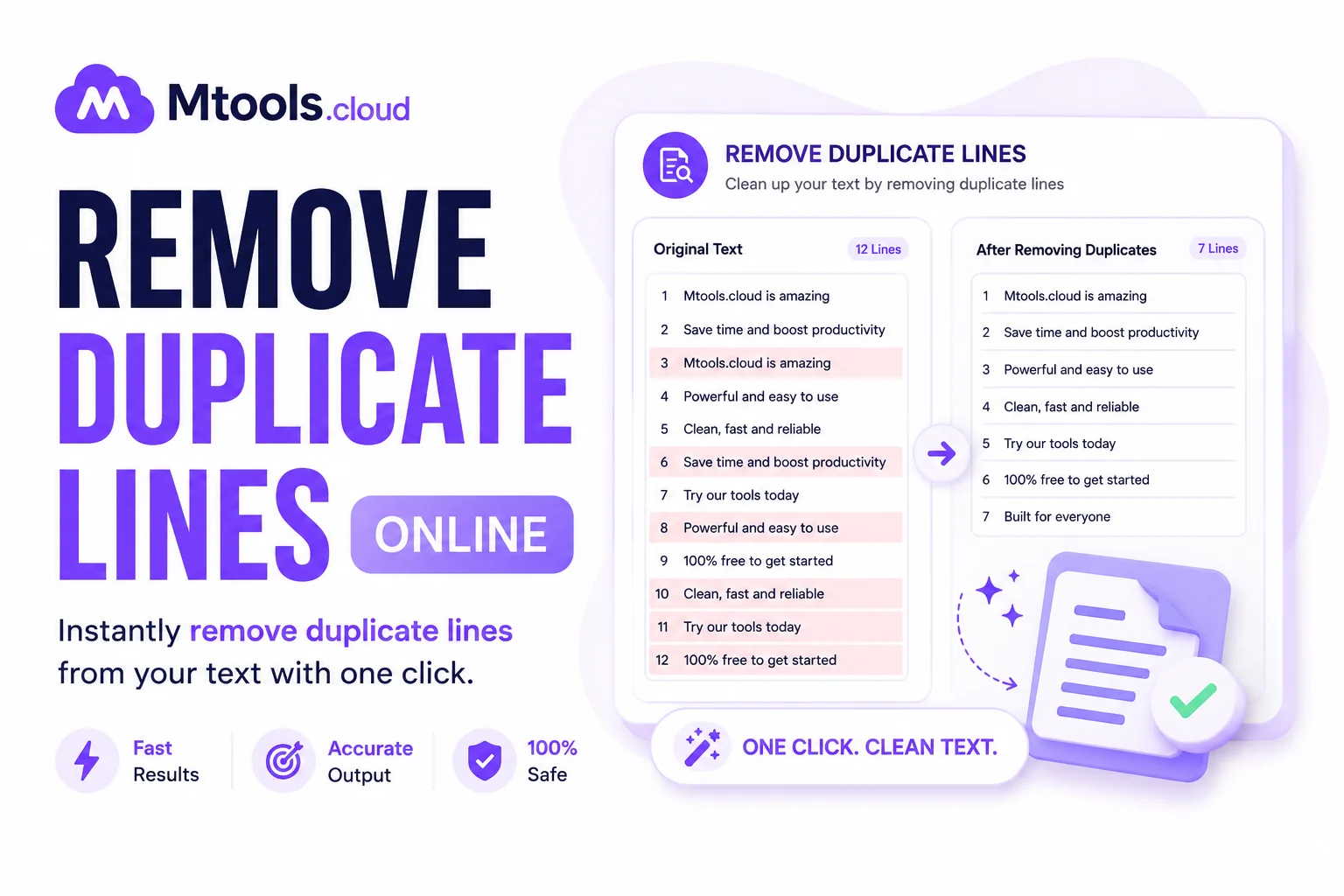
Remove Duplicate Lines Online – Fast & Easy Tool
Managing large text files can become messy when duplicate lines appear repeatedly. Whether you are handling lists, logs, keywords, emails, code snippets, or data entries, duplicate lines can waste time and reduce productivity. A Remove Duplicate Lines Online tool helps clean your text instantly without requiring software installation.
What Is a Remove Duplicate Lines Tool?
A remove duplicate lines tool is an online utility that automatically detects and removes repeated lines from your text. It keeps only unique entries and eliminates duplicates in seconds.
For example:
Input:
Apple
Banana
Apple
Orange
Banana
Output:
Apple
Banana
Orange
This saves time and improves data accuracy.
Key Features
1. Instant Duplicate Removal
The tool quickly scans your text and removes repeated lines automatically.
2. Easy to Use
- Paste your text
- Click “Remove Duplicates”
- Copy the cleaned result
No technical knowledge is required.
3. Supports Large Text Files
Most online tools can process thousands of lines efficiently.
4. Case Sensitive Options
Some tools allow:
- Case-sensitive removal
- Case-insensitive removal
Example:
- apple
- Apple
Can be treated as:
- Different lines
- Same line
depending on settings.
5. Keeps Original Order
Many tools preserve the original order of unique lines.
Benefits of Removing Duplicate Lines
Saves Time
Manually finding duplicates is difficult and time-consuming.
Improves Data Quality
Clean data helps in:
- SEO keyword management
- Email list cleaning
- Database organization
- Programming tasks
Better Readability
Unique text is easier to understand and analyze.
Useful for Developers & Writers
Perfect for:
- Coders
- Bloggers
- SEO experts
- Data analysts
- Students
Common Uses
SEO Keyword Cleaning
Remove repeated keywords from SEO lists.
Email List Management
Clean duplicate email addresses before campaigns.
Programming
Remove duplicate code lines or log entries.
Data Processing
Organize CSV or text datasets.
Content Editing
Clean repeated sentences or paragraphs.
Why Use an Online Tool?
Online duplicate line removers offer several advantages:
- No installation required
- Works on mobile and desktop
- Fast processing
- Free to use
- Secure and simple
You can access the tool anytime from your browser.
How to Remove Duplicate Lines Online
Step-by-Step Guide
Step 1: Open the Tool
Visit an online duplicate line remover website.
Step 2: Paste Your Text
Copy and paste your content into the input box.
Step 3: Select Options
Choose:
- Case-sensitive or insensitive
- Sort lines if needed
Step 4: Click Remove
The tool instantly removes duplicate entries.
Step 5: Copy Cleaned Text
Use the cleaned output wherever needed.