Remove Empty Lines
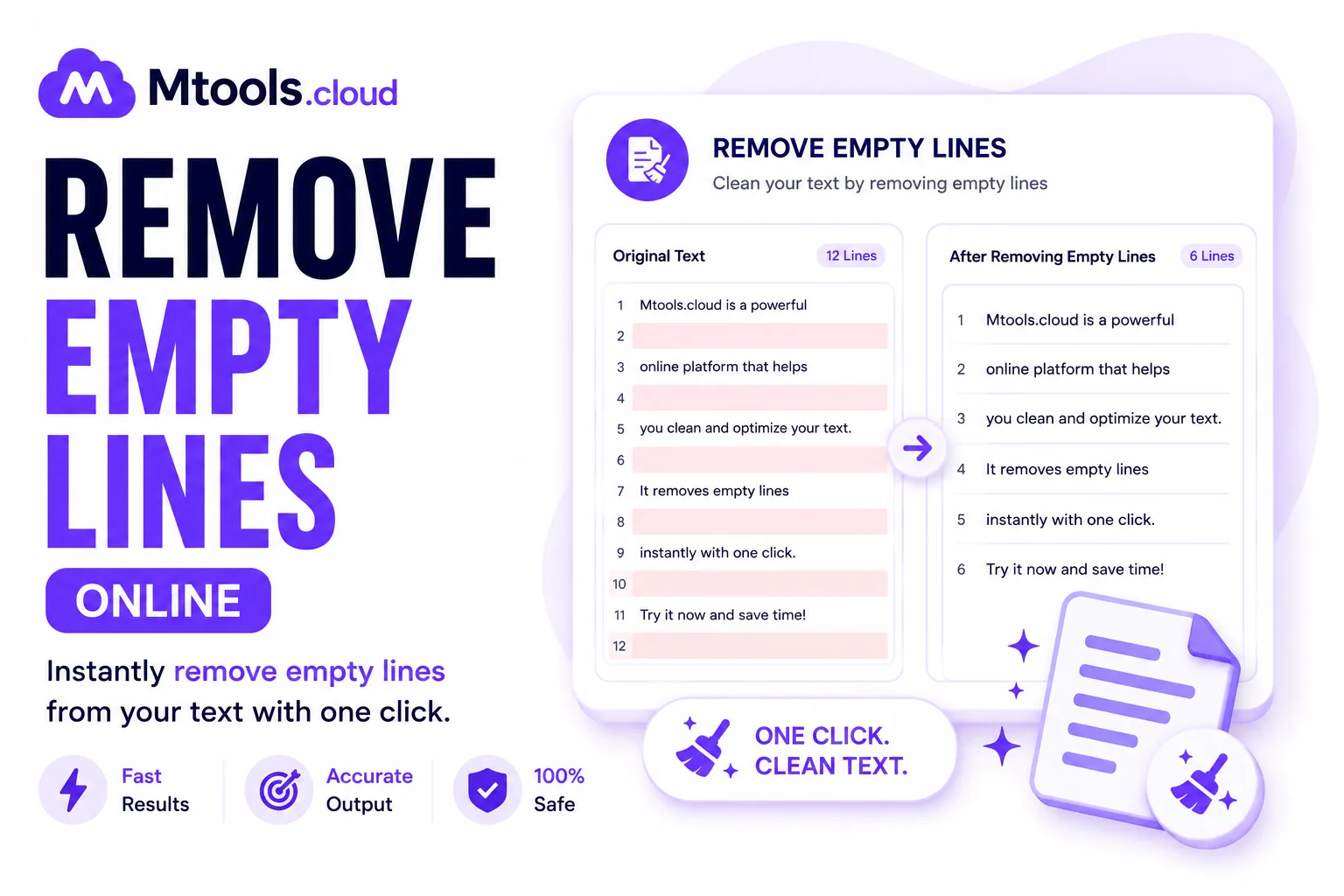
Remove Empty Lines – Free Online Blank Line Remover
Easily remove empty lines from your text instantly with our free Remove Empty Lines tool. Whether you're cleaning up copied content, formatting code, editing documents, or organizing lists, this tool helps you delete blank lines in seconds.
What Is a Remove Empty Lines Tool?
A Remove Empty Lines tool automatically detects and removes blank or empty lines from text. It helps make your content clean, organized, and easier to read.
This tool is useful for:
- Cleaning copied text
- Formatting code snippets
- Editing CSV or TXT files
- Organizing lists and paragraphs
- Preparing content for websites or documents
Features
- Remove all empty lines instantly
- Fast and accurate processing
- Works with large text blocks
- Free and easy to use
- No signup required
- Mobile-friendly interface
How to Use
- Paste your text into the input box
- Click the Remove Empty Lines button
- Copy the cleaned text instantly
Example
Before:
Hello World
This is a test.
Remove blank lines.
This is a test.
Remove blank lines.
After:
Hello World
This is a test.
Remove blank lines.
This is a test.
Remove blank lines.
Benefits of Removing Empty Lines
- Improves readability
- Makes documents cleaner
- Saves editing time
- Better formatting for code and text
- Helps maintain professional content structure
Who Can Use This Tool?
This tool is perfect for:
- Students
- Developers
- Writers
- Bloggers
- SEO experts
- Data entry operators
- Office professionals
Why Choose Our Remove Empty Lines Tool?
Our tool is designed to be simple, fast, and reliable. You can clean your text with one click without downloading any software.
Try the Remove Empty Lines Tool now and make your text clean and professional instantly.