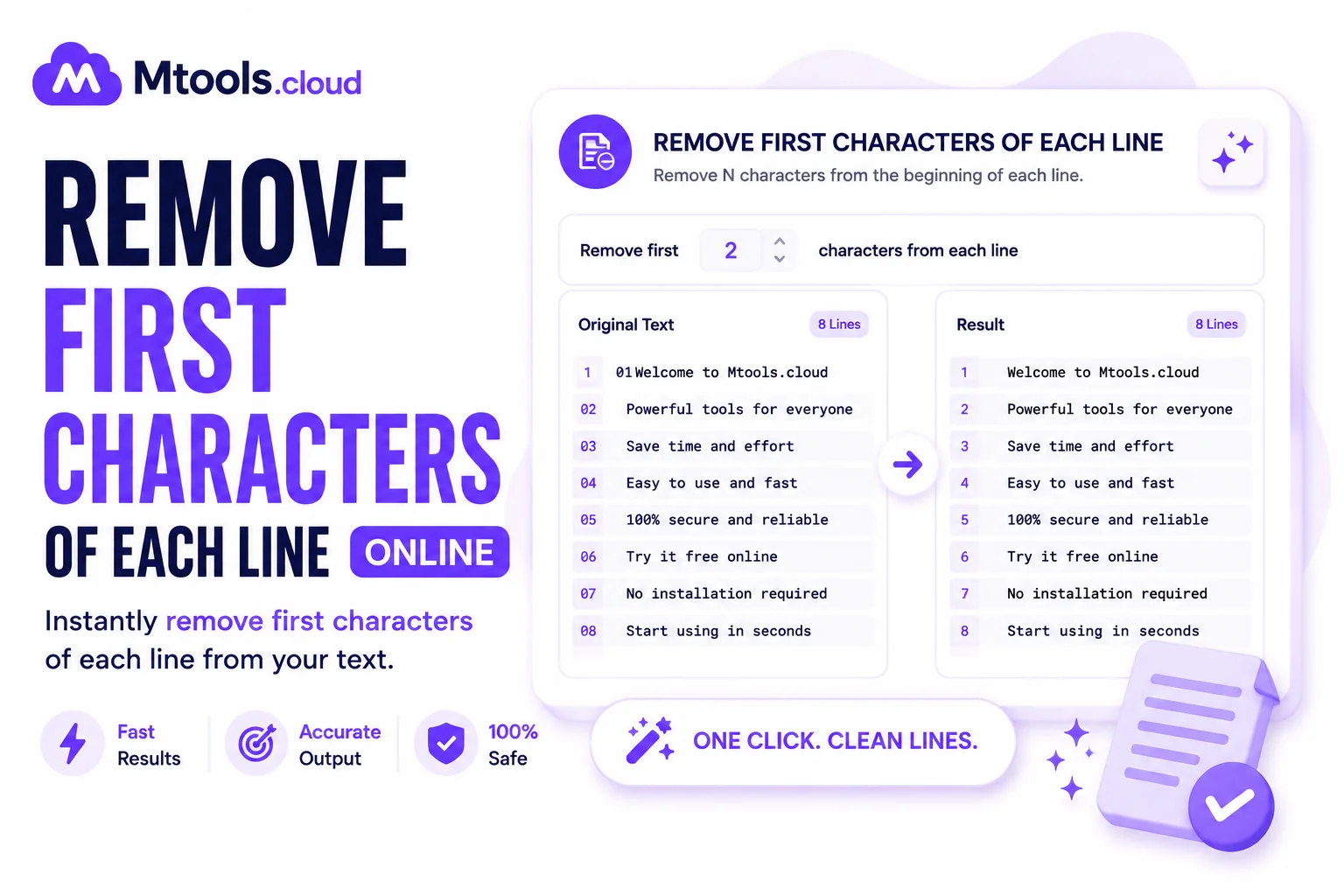
Easily Remove First Characters from Every Line Online
Working with large blocks of text can often become frustrating, especially when every line contains unwanted characters at the beginning. Whether you are dealing with copied data, coding files, formatted documents, CSV content, log files, or bulk text entries, manually deleting characters from each line takes a lot of time and effort. That is where the Remove First Characters Of Each Line tool becomes extremely useful.
This online tool helps users instantly remove one or multiple starting characters from every line of text with just a single click. Instead of editing each line manually, the tool automatically processes the entire content within seconds. It is designed for developers, writers, students, data analysts, office professionals, and anyone who regularly works with text formatting tasks.
The tool is simple, fast, and highly efficient. Users only need to paste their text into the input box, choose how many characters they want to remove from the beginning of each line, and generate the cleaned output instantly. This saves valuable time while improving productivity and accuracy.
Why Use Remove First Characters Of Each Line Tool?
Many text files contain repetitive prefixes, bullets, symbols, spaces, numbering, or formatting characters at the start of each line. Removing them manually can lead to mistakes and consume unnecessary time. This tool automates the process and ensures clean, properly formatted text output.
For example, programmers often need to clean code snippets or logs, while data entry professionals may need to remove serial numbers or unwanted prefixes from lists. Writers and editors can also use this utility to clean copied content from websites or documents.
The tool works directly in your browser, meaning no software installation is required. It is compatible with desktops, laptops, tablets, and mobile devices, making it convenient for users everywhere.
Key Features of the Tool
- Fast Text Processing: The tool processes large amounts of text instantly without delays. Even thousands of lines can be cleaned within seconds.
- Remove Single or Multiple Characters: Users can specify exactly how many starting characters should be removed from each line.
- User-Friendly Interface: The simple layout makes the tool easy to use for beginners and professionals alike.
- Accurate Output: The utility ensures consistent formatting across all lines without affecting the remaining text.
- No Installation Needed: Everything works online directly through your web browser.
- Safe and Secure: Most online text processing tools do not store user data, ensuring privacy and security during usage.
Common Use Cases
The Remove First Characters Of Each Line tool is widely used in multiple industries and tasks, including:
- Cleaning programming code
- Editing text files
- Removing numbering or bullets
- Formatting CSV or TXT data
- Cleaning copied website content
- Removing unwanted spaces
- Managing database exports
- Processing logs and scripts
- Text formatting for documents
- Bulk content editing
Because of its flexibility, the tool is suitable for both personal and professional use.
How to Use the Tool
Using the tool is extremely simple and requires only a few steps:
- Paste your text into the input field.
- Enter the number of characters you want to remove from the start of each line.
- Click the process or generate button.
- Copy the cleaned output instantly.
The entire process takes only a few seconds and eliminates repetitive manual work.
Benefits of Using This Tool
One of the biggest advantages of using this tool is time saving. Instead of editing every line individually, users can clean entire text blocks automatically. It also improves accuracy because automated formatting reduces human errors.
Another major benefit is convenience. Since the tool is browser-based, users can access it anytime from anywhere without downloading software. It also supports large text files, making it ideal for professional workloads.
The tool is especially useful for developers, content creators, students, office workers, and database managers who regularly work with structured text data.
Improve Productivity with Smart Text Editing
Modern digital work often requires fast and efficient text formatting. Small repetitive tasks like deleting unwanted characters can slow down workflow significantly. The Remove First Characters Of Each Line tool simplifies these tasks and boosts productivity by automating text cleanup instantly.
Whether you are cleaning data, formatting content, editing scripts, or processing files, this tool provides a quick and reliable solution. It helps users maintain clean and organized text without wasting valuable time on manual editing.
Conclusion
The Remove First Characters Of Each Line tool is a powerful online utility designed to simplify text formatting tasks. It allows users to quickly remove unwanted starting characters from multiple lines of text with accuracy and speed. With its easy interface, fast processing, and practical features, the tool is ideal for developers, writers, students, office professionals, and anyone handling bulk text editing.
If you regularly work with formatted text, code, logs, or lists, this tool can save hours of manual effort while ensuring clean and professional results.
Keywords
remove first characters of each line, remove characters from lines, text line cleaner, remove starting characters online, bulk text editor, remove prefixes from text, online text formatting tool, clean text lines, remove unwanted characters, text manipulation tool, line text remover, remove characters from each line, text cleanup utility, online text editor, format text online