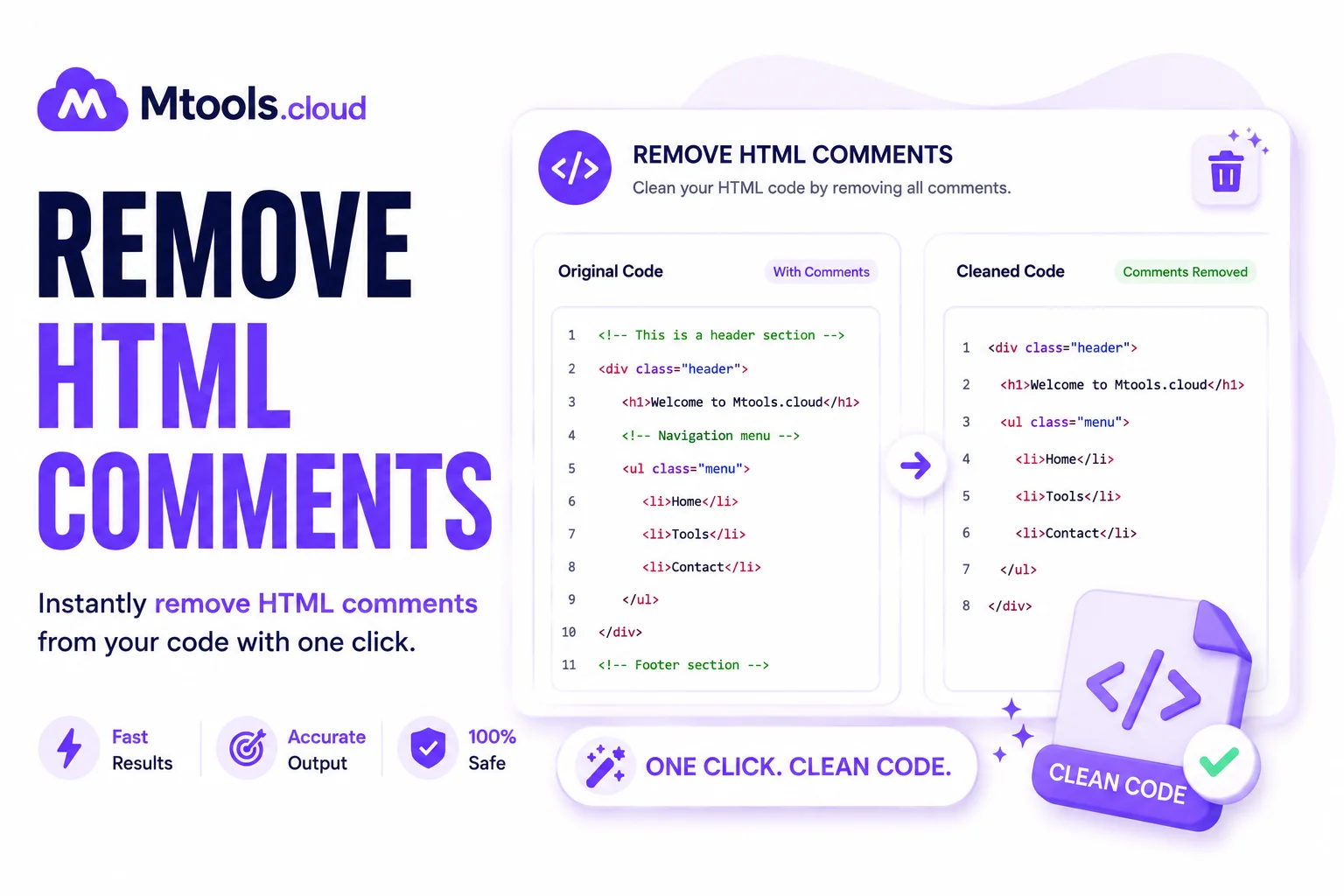
Remove HTML Comments
What Are HTML Comments?
HTML comments are snippets of code placed inside a webpage that are not visible to users in the browser. Developers often use comments to leave notes, disable sections of code temporarily, or organize complex HTML structures. HTML comments begin with <!-- and end with -->. While comments can be useful during website development, they are unnecessary in a live website environment and may expose hidden information, increase page size, and slow down webpage performance.
Removing HTML comments is an important optimization technique for web developers, SEO professionals, and website owners who want cleaner source code and faster-loading pages. By deleting unnecessary comments, you can improve website efficiency, protect sensitive information, and create more professional code output.
Why Remove HTML Comments?
There are several reasons why removing HTML comments is beneficial for your website or web application. Many developers leave debugging notes, old code references, or hidden instructions inside comments. If these comments remain on a production website, anyone viewing the page source can access them.
Improve Website Performance
Although HTML comments are small, large websites may contain hundreds or thousands of comment lines. Removing them reduces HTML file size and helps improve website loading speed. Faster websites provide a better user experience and may contribute to improved SEO rankings.
Protect Sensitive Information
Developers sometimes accidentally leave API keys, credentials, file paths, or internal notes inside comments. Removing HTML comments helps prevent exposure of sensitive or confidential information.
Cleaner Source Code
Minified and optimized code looks more professional and is easier to manage in production environments. Removing comments keeps your HTML structure clean and lightweight.
Better SEO Optimization
Search engines prefer fast and optimized websites. While comments themselves do not directly affect rankings, reducing unnecessary code helps improve page performance, which can positively impact SEO.
How HTML Comments Affect Website Security
Many website owners underestimate the security risks of leaving comments inside HTML files. Hidden comments can reveal development frameworks, plugin names, backend structures, or testing notes. Hackers often inspect page source code to gather useful information about a website before attempting attacks.
By removing comments from your HTML code, you reduce the amount of publicly available information and improve website security. This simple step helps maintain cleaner and safer web pages.
How to Remove HTML Comments
Removing HTML comments is very simple. You can manually delete comments from your code editor or use an automated HTML comment remover tool.
Manual Method
Find comment blocks written like this:
Delete the entire comment block including the opening and closing symbols.
Using Online Tools
Online HTML comment remover tools automatically scan your code and remove all unnecessary comments instantly. These tools are useful for large files and save valuable development time.
Using Build Tools
Modern web development workflows often use build tools like Webpack, Gulp, or HTML minifiers that automatically remove comments during deployment. This ensures production code remains optimized and secure.
Benefits of Using an HTML Comment Remover Tool
A dedicated HTML comment remover tool offers many advantages for developers and website administrators.
- Fast Processing: Instantly remove comments from large HTML files without manual editing.
- Error-Free Cleanup: Automated tools accurately remove comments without damaging your webpage structure.
- Code Optimization: Comment removal tools help reduce file size and improve loading performance.
- Increased Security: Remove hidden development notes and sensitive information from public source code.
- Better Productivity: Developers save time by automating repetitive cleanup tasks.
Best Practices for HTML Optimization
Removing comments is only one part of website optimization. For the best results, combine comment removal with other optimization techniques:
- Minify HTML, CSS, and JavaScript
- Compress images and media files
- Use browser caching
- Reduce unused code
- Optimize website assets
- Enable GZIP compression
These methods help create faster, cleaner, and more secure websites.
Conclusion
Removing HTML comments is a simple yet effective way to optimize your website code. It improves page performance, enhances security, reduces file size, and creates cleaner HTML output. Whether you are a web developer, designer, SEO expert, or website owner, using an HTML comment remover can save time and improve website quality.
For modern websites focused on speed, security, and performance, removing unnecessary HTML comments should be a regular part of your optimization process.