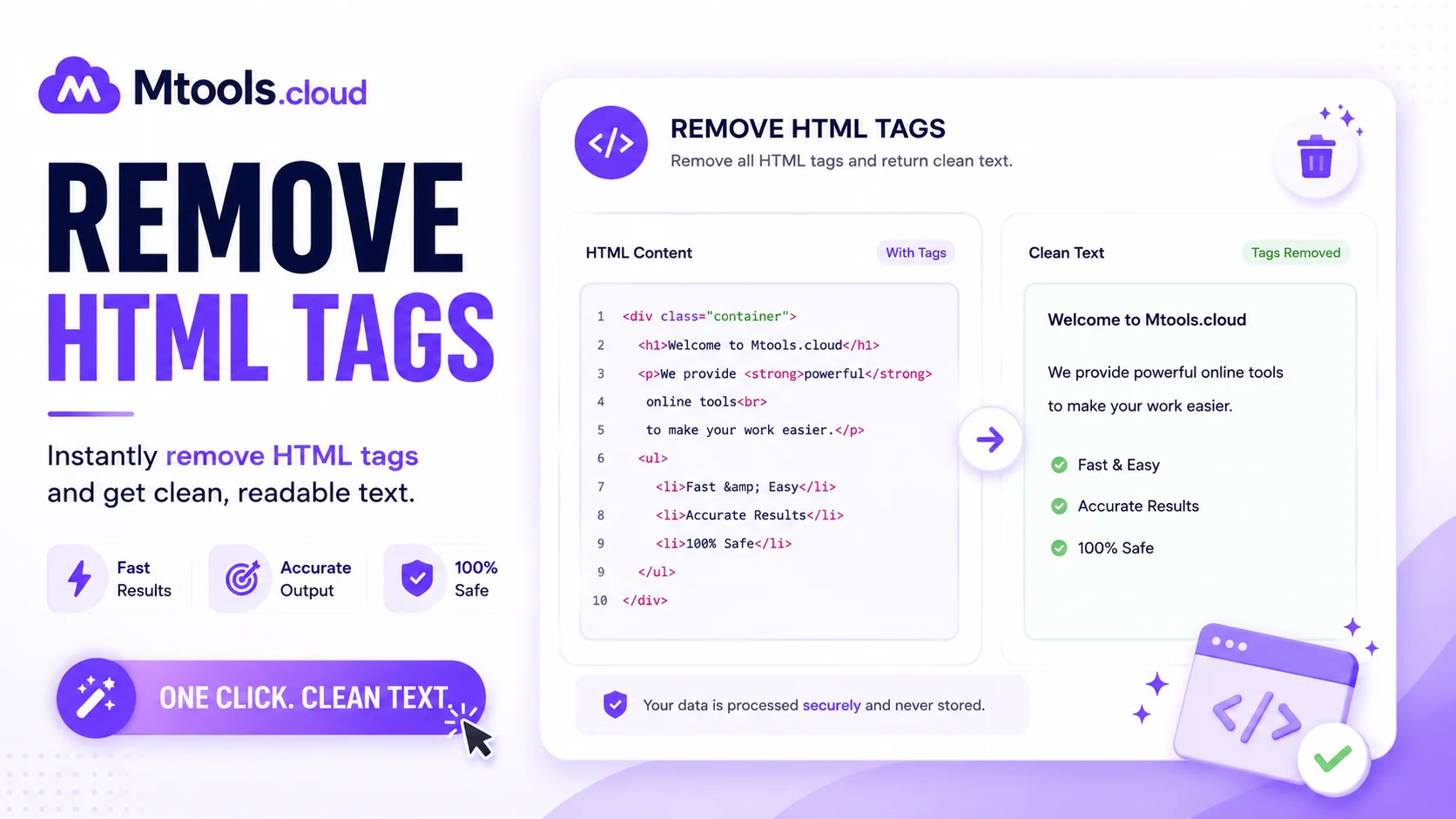
What is Remove HTML Tags?
Removing HTML tags is the process of cleaning text by deleting all HTML code elements from a webpage or document. HTML tags such as <p>, <div>, <h1>, and <span> are used to structure web pages, but sometimes users only need the plain text without any formatting or coding. A Remove HTML Tags tool helps users instantly strip unwanted HTML code and convert formatted content into clean, readable text.
This tool is highly useful for web developers, bloggers, digital marketers, students, and content writers who frequently work with HTML content. Instead of manually deleting tags one by one, the tool automatically removes all HTML elements in seconds while preserving the actual text content.
Why Use an HTML Tag Remover Tool?
HTML code can create problems when copying text from websites, emails, or CMS editors. Extra tags may affect readability, formatting, and compatibility with different platforms. Using a Remove HTML Tags tool provides a quick and accurate solution.
Some major benefits include:
- Converts HTML code into plain text
- Saves time and effort
- Improves content readability
- Helps clean copied website content
- Useful for SEO content editing
- Removes unwanted formatting from text
- Works instantly online without software installation
Whether you are preparing content for reports, documents, social media, or databases, removing HTML tags ensures the text remains clean and professional.
How Does the Remove HTML Tags Tool Work?
The tool scans the pasted content and identifies all HTML elements enclosed within angle brackets (< >). Once detected, these tags are automatically removed while preserving the actual readable content. The cleaned text is then displayed instantly.
Simple Steps to Use the Tool
- Copy the HTML content or webpage code.
- Paste it into the input box.
- Click the “Remove HTML Tags” button.
- Instantly get clean plain text output.
- Copy and use the cleaned text anywhere.
The process is fully automated, fast, and beginner-friendly.
Features of Our Remove HTML Tags Tool
Fast Processing
The tool removes HTML tags within seconds, even from large blocks of code.
Accurate Output
It preserves the original text while removing only unwanted HTML elements.
User-Friendly Interface
Simple design makes it easy for anyone to use without technical knowledge.
Online Accessibility
No downloads or installations required. Use directly from your browser.
Free to Use
The tool is completely free and accessible anytime.
Secure & Private
Your pasted content is not stored or shared, ensuring complete privacy.
Common Use Cases
People use HTML tag remover tools for various tasks, including:
- Cleaning website content
- Formatting blog articles
- Extracting plain text from HTML emails
- Preparing SEO-friendly content
- Data cleaning for databases
- Removing code from copied text
- Text processing for reports and documents
Developers also use these tools during debugging and content migration projects.
Why Plain Text is Important
Plain text is easier to read, edit, and share across different applications. Many platforms do not support HTML formatting properly, which can create messy or broken content. By removing HTML tags, users get simple text that works everywhere without formatting issues.
For SEO purposes, clean text also helps improve readability and content analysis. Search engines value well-structured and readable content, making plain text useful for optimization tasks.
Conclusion
A Remove HTML Tags tool is an essential utility for anyone working with web content, coding, or text formatting. It simplifies the process of converting HTML code into clean plain text quickly and efficiently. Whether you are a developer, student, blogger, or digital marketer, this tool helps save time, improve readability, and remove unnecessary code effortlessly.
Use our free online Remove HTML Tags tool today and clean your HTML content instantly with accurate results.