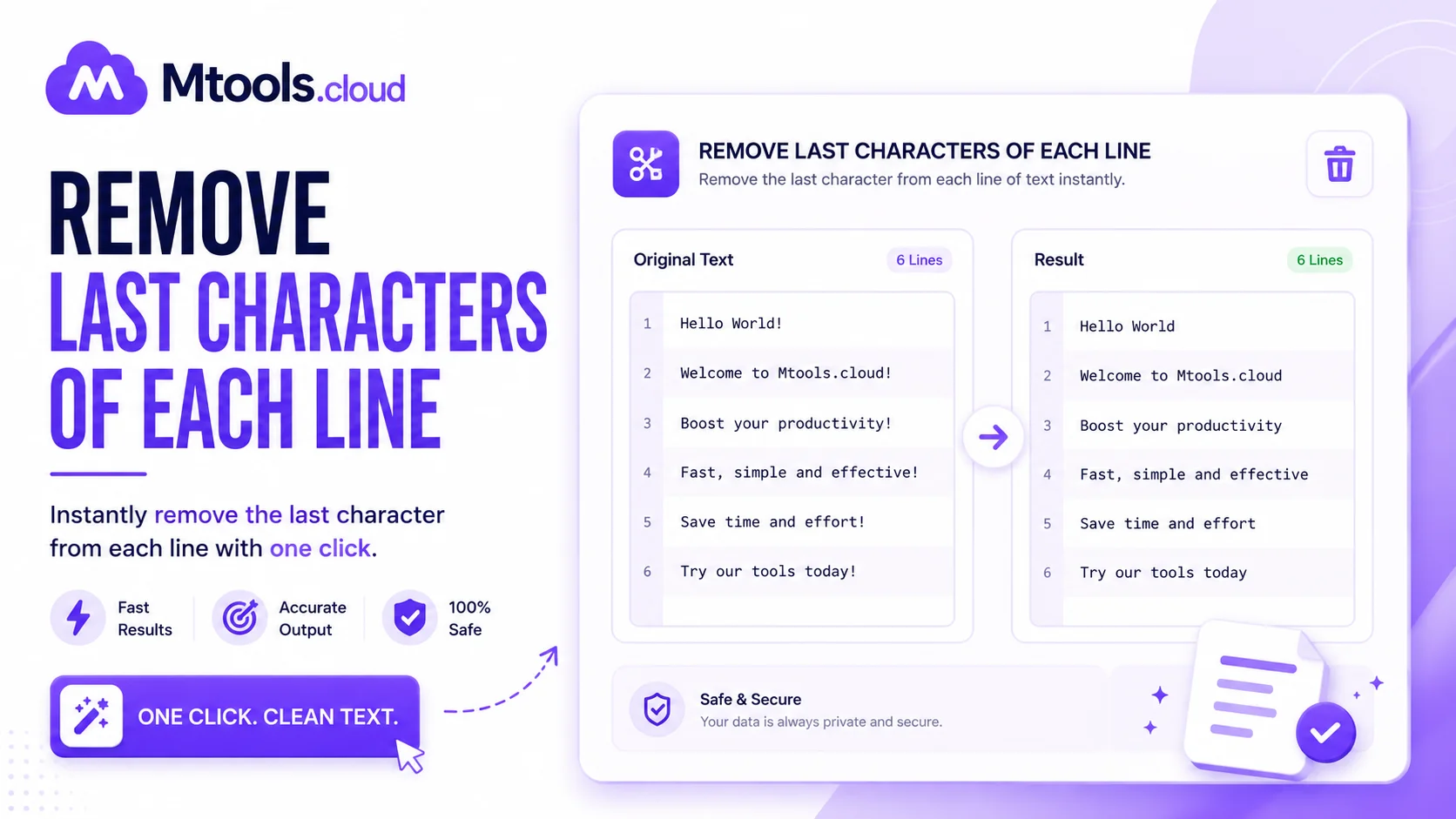
What Is the “Remove Last Characters Of Each Line” Tool?
The Remove Last Characters Of Each Line tool is a simple yet powerful text editing utility designed to automatically delete one or more characters from the end of every line in a block of text. This tool is extremely useful for developers, writers, data analysts, students, and content creators who regularly work with formatted text, coding files, CSV data, logs, or copied content.
Instead of manually editing every line one by one, this online tool performs the task instantly and accurately. Whether you need to remove commas, semicolons, spaces, symbols, numbers, or any unwanted characters from multiple lines, this tool saves time and improves productivity.
Many users use this feature while cleaning text data, formatting programming code, editing lists, fixing copied content, or preparing files for import into databases and applications. The tool works directly in your browser, making it fast, secure, and accessible from any device.
How the Tool Works
Using the Remove Last Characters Of Each Line tool is very easy. Simply paste your multiline text into the input box, choose how many characters you want to remove from the end of each line, and click the process button. The tool automatically updates every line and generates clean output within seconds.
For example:
Input:
Apple,
Banana,
Orange,
Output:
Apple
Banana
Orange
This process is especially useful when dealing with text that contains repeated endings, separators, or formatting mistakes.
Key Features of Remove Last Characters Of Each Line
Fast and Accurate Processing
The tool instantly removes characters from all lines without affecting the remaining text.
Supports Multiple Characters
You can remove a single character or multiple characters from the end of each line.
Browser-Based Tool
No software installation or downloads are required. Everything works online.
Safe and Secure
Your text is processed locally in the browser, helping keep your data private.
Mobile and Desktop Friendly
The tool works smoothly on smartphones, tablets, laptops, and desktops.
Free to Use
Most online versions of this utility are completely free and accessible anytime.
Common Use Cases
Cleaning CSV and Data Files
Data analysts often remove trailing commas, semicolons, or spaces before importing files into systems.
Programming and Coding
Developers use the tool to remove unnecessary symbols or characters from code lines quickly.
Content Formatting
Writers and editors can clean copied text, remove punctuation, or fix formatting errors efficiently.
Preparing Lists
Users can remove bullets, special characters, or separators from item lists.
Log File Editing
System administrators and developers often clean logs and text outputs using this tool.
Benefits of Using This Tool
The biggest advantage of the Remove Last Characters Of Each Line tool is automation. Manual editing takes time and increases the chance of mistakes, especially when working with hundreds or thousands of lines.
This tool helps users:
- Save time
- Improve accuracy
- Increase productivity
- Reduce repetitive work
- Clean text instantly
- Format data efficiently
It is an ideal utility for both beginners and professionals who need quick text manipulation.
Why Use an Online Text Editing Tool?
Online text tools are becoming increasingly popular because they are simple, fast, and accessible from anywhere. Instead of installing complicated software, users can perform text formatting tasks directly in the browser.
The Remove Last Characters Of Each Line tool is especially helpful because it handles repetitive editing automatically. It eliminates the need for advanced coding knowledge or manual corrections.
Whether you are editing programming code, cleaning spreadsheet data, formatting text files, or organizing copied content, this tool provides an efficient solution.
Conclusion
The Remove Last Characters Of Each Line tool is a valuable utility for anyone who works with text, code, or structured data. It simplifies repetitive editing tasks by automatically deleting unwanted characters from the end of every line.
With fast processing, accurate results, and an easy-to-use interface, this online tool helps improve workflow and save valuable time. Whether you are a developer, student, content creator, or data analyst, this tool can make text formatting easier and more efficient.