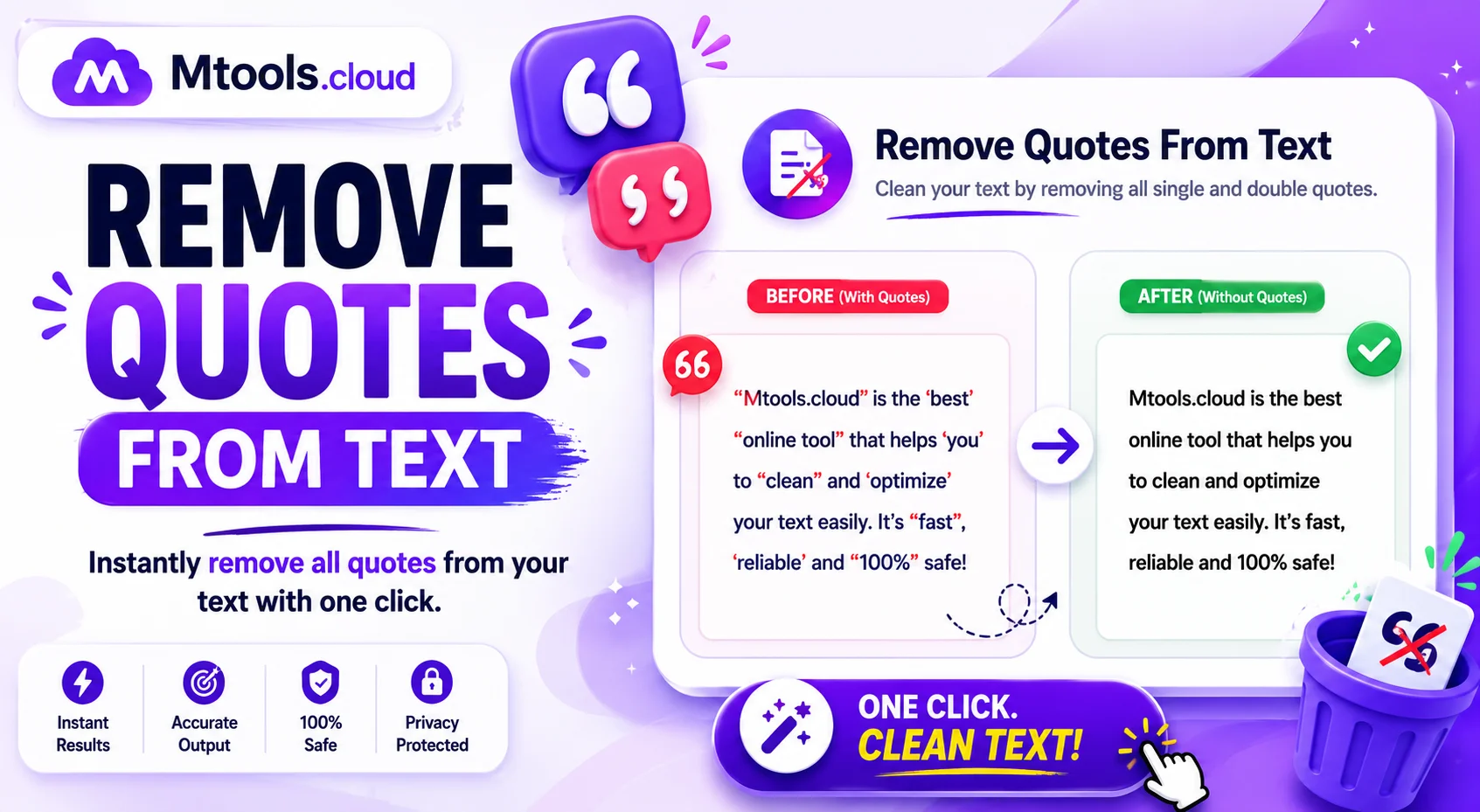
Remove Quotes From Text – Clean Your Text Instantly and Easily
If you often work with copied content, CSV files, JSON data, dialogues, or imported text, you already know how frustrating unnecessary quotation marks can be. A Remove Quotes From Text tool helps users quickly delete single quotes (') and double quotes (") from any text within seconds. Whether you are a student, developer, content writer, data analyst, or office professional, this tool saves time and improves text formatting instantly.
Quotation marks are commonly added when copying content from spreadsheets, databases, APIs, or programming files. While quotes are useful in some situations, they can also create formatting issues when you paste data into websites, documents, code editors, or databases. Instead of manually deleting every quotation mark one by one, this online tool automates the process and gives you clean, readable text instantly.
What Is a Remove Quotes From Text Tool?
A Remove Quotes From Text tool is an online utility designed to remove unwanted quotation marks from text automatically. Users simply paste their content into the input box, click the remove button, and receive quote-free text immediately.
The tool can remove:
- Double quotes (" ")
- Single quotes (' ')
- Extra quotation formatting
- Quotes from entire paragraphs
- Quotes from CSV or JSON strings
This makes the tool highly useful for text cleaning, formatting, coding, and data processing tasks.
Why Use a Remove Quotes From Text Tool?
Manually removing quotation marks from large amounts of text can be time-consuming and error-prone. This tool provides a fast and accurate solution for cleaning text instantly.
Key Benefits
- Saves time and effort
- Removes quotes instantly
- Improves text readability
- Helps clean CSV and JSON data
- Useful for developers and writers
- Works online without installation
- Supports large text input
- Simple and beginner-friendly interface
Whether you are formatting data for Excel, editing code, or cleaning copied content, this tool helps streamline your workflow.
Common Use Cases
People from different industries use quote remover tools for various purposes.
For Developers
Programmers often need to remove quotes from JSON data, arrays, APIs, or database exports. This tool simplifies code cleanup and formatting.
For Content Writers
Writers and bloggers can remove unnecessary quotes from copied text, articles, or transcripts to improve readability.
For Students
Students can quickly clean assignments, notes, and research material copied from online sources.
For Data Analysts
CSV files and spreadsheet exports frequently contain quoted values. Removing them manually is inefficient, so this tool makes data preparation much easier.
For Office Work
Professionals working with reports, forms, and imported documents can clean formatting instantly.
Features of the Remove Quotes Tool
A good quote remover tool should offer simplicity, speed, and accuracy. Here are the most useful features users expect:
Fast Processing
The tool removes quotation marks instantly, even from large blocks of text.
Multiple Quote Support
It supports both single and double quotation mark removal.
User-Friendly Interface
No technical knowledge is required. Simply paste text and click remove.
Online Accessibility
You can use the tool from any device with internet access.
Free to Use
Most online quote remover tools are completely free.
Copy and Download Options
Users can quickly copy cleaned text or download results.
How to Remove Quotes From Text Online
Using the tool is extremely simple. Follow these quick steps:
- Paste your text into the input box
- Select the quote removal option
- Click the “Remove Quotes” button
- Instantly get clean text output
- Copy or download the result
The process takes only a few seconds and requires no software installation.
Who Can Benefit From This Tool?
The Remove Quotes From Text tool is designed for anyone who works with digital text regularly.
Best for:
- Developers
- Students
- Bloggers
- Content creators
- SEO professionals
- Data analysts
- Office workers
- Researchers
- Webmasters
Because the tool works online, users can access it anytime from desktop or mobile devices.
SEO and Content Formatting Benefits
Removing unwanted quotation marks can improve text formatting for websites and documents. Clean text looks more professional, easier to read, and better organized.
For SEO professionals, properly formatted text can improve:
- Content readability
- User experience
- Data organization
- Import/export formatting
- Website content consistency
This makes the tool especially useful for bloggers, marketers, and website owners.
Conclusion
The Remove Quotes From Text tool is a simple yet powerful utility that helps users clean and format text quickly. Instead of wasting time deleting quotation marks manually, users can process large amounts of text instantly with just one click. Whether you are coding, writing, editing, or handling data, this tool improves productivity and simplifies text formatting tasks.
If you regularly work with copied content, CSV files, JSON strings, or imported text, this online quote remover tool can become an essential part of your workflow.