Removing Leading And Trailing Spaces
Instantly clean unwanted whitespace from the start and end of your text.
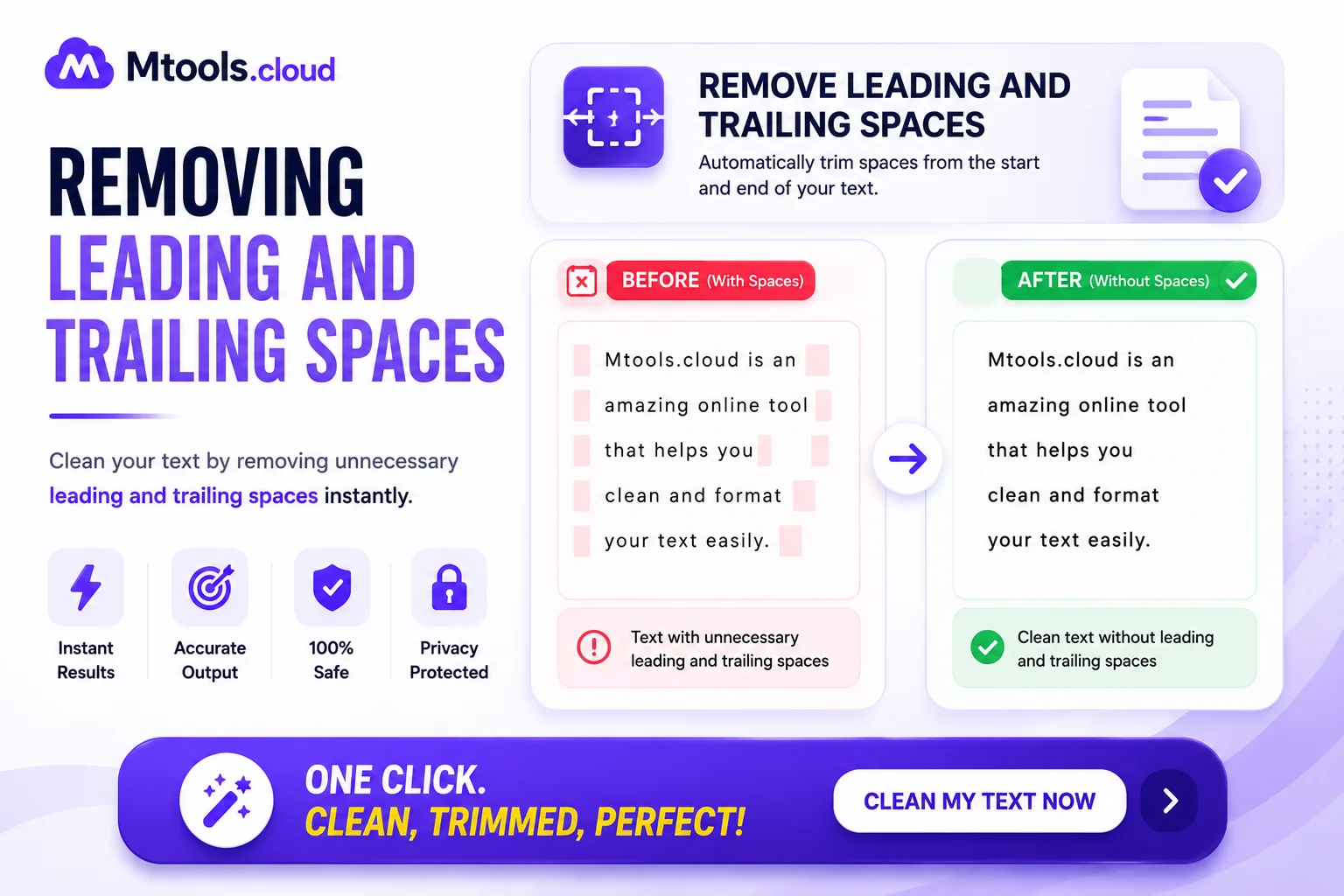
Removing leading and trailing spaces is an important task in data cleaning, text formatting, and programming. Extra spaces at the beginning or end of text strings can create problems in databases, forms, spreadsheets, websites, and software applications. These unnecessary blank spaces often cause incorrect data matching, formatting errors, validation issues, and search problems. By removing unwanted spaces, developers and users can improve data accuracy, enhance website performance, and ensure better user experience.
Leading spaces refer to blank spaces added before the actual text, while trailing spaces are spaces added after the text. For example, in a text like " Hello World ", the spaces before “Hello” and after “World” are unnecessary. Trimming these spaces helps keep the text clean and properly formatted.
Why Removing Spaces Is Important
Leading and trailing spaces may seem harmless, but they can create serious issues in different applications. In databases, extra spaces can cause duplicate records or failed searches. In programming, spaces may affect string comparison results and lead to unexpected errors. In forms and user input fields, unwanted spaces can create login failures or validation problems.
Removing spaces improves:
- Data consistency
- Text formatting
- Search accuracy
- Database management
- Website input validation
- CSV and spreadsheet cleaning
- Software performance
- User experience
This process is widely used in web development, Excel data cleaning, programming languages, content management systems, and text processing tools.
How Leading And Trailing Spaces Affect Data
When users copy and paste text from websites, documents, or spreadsheets, hidden spaces are often included automatically. These spaces can create mismatched values in databases and software systems.
For example:
- "John" is different from " John "
- "Email@example.com" is different from " Email@example.com "
Although they look similar, systems may treat them as completely different values. This can affect login systems, search filters, customer records, and API requests.
Removing extra spaces ensures that all data remains standardized and reliable.
Methods To Remove Leading And Trailing Spaces
There are several methods available to remove unnecessary spaces depending on the platform or programming language being used.
Using Programming Languages
Most programming languages provide built-in trim functions to remove spaces from strings.
Examples include:
trim()in JavaScriptstrip()in PythonTRIM()in SQLtrim()in PHPTrim()in C#
These functions automatically remove blank spaces from the beginning and end of text values.
Using Excel And Google Sheets
Spreadsheet applications also include functions to clean text data. The TRIM() function in Excel and Google Sheets removes extra spaces while preserving proper spacing between words.
Example:
=TRIM(A1)
This formula removes unwanted spaces from the selected cell.
Using Online Text Tools
Many online text formatting tools allow users to quickly remove leading and trailing spaces from large blocks of text. These tools are useful for developers, writers, students, and data analysts who need fast text cleaning solutions.
Benefits Of Removing Leading And Trailing Spaces
Cleaning spaces offers many advantages across different industries and applications.
- Better Data Accuracy
Removing spaces ensures that text values are stored correctly and consistently. - Improved Search Results
Search systems work more efficiently when extra spaces are eliminated. - Faster Data Processing
Clean text data improves software performance and database operations. - Enhanced User Experience
Users experience fewer errors in forms, login pages, and applications. - Easier Data Management
Standardized text makes sorting, filtering, and organizing information much easier.
Common Use Cases
Removing leading and trailing spaces is commonly used in:
- Database cleaning
- Form validation
- Web development
- Email validation
- Excel spreadsheet management
- CSV file cleaning
- Text preprocessing
- SEO data optimization
- Software applications
- API integrations
Businesses, developers, marketers, and analysts regularly use text trimming techniques to maintain clean and professional data systems.
Conclusion
Removing leading and trailing spaces is a simple but essential process for maintaining clean, accurate, and properly formatted text data. Extra spaces can cause errors in databases, forms, software systems, and search operations. By using trim functions, spreadsheet formulas, or online text cleaning tools, users can quickly improve data quality and system performance.
Whether you are a developer, student, business owner, or data analyst, removing unnecessary spaces helps create more reliable and professional content. Clean text ensures better functionality, improved accuracy, and a smoother user experience across websites, applications, and databases.