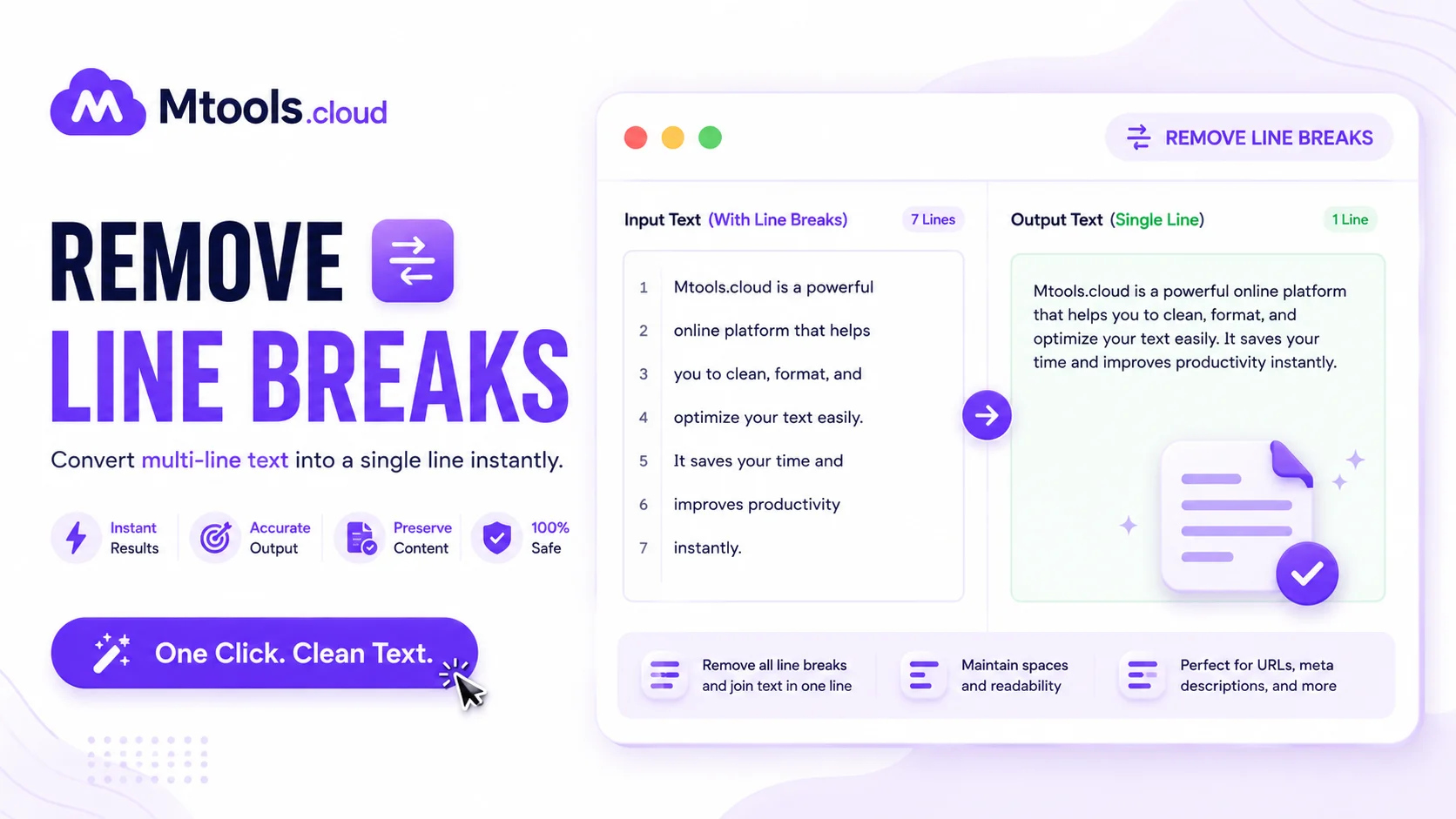
Remove Line Breaks
Instantly Remove Unwanted Line Breaks Online
A Remove Line Breaks tool is designed to quickly clean and format text by eliminating unnecessary line breaks, paragraph breaks, and extra spacing. Whether you are working with copied text from PDFs, websites, emails, Word documents, or scanned files, this tool helps transform messy content into clean, readable text in seconds. It is especially useful for writers, students, developers, SEO professionals, editors, and office users who regularly deal with poorly formatted content.
When text is copied from documents or online sources, it often contains unwanted line breaks that interrupt sentence flow and make the content difficult to read or edit. A line break remover automatically joins broken lines into a proper paragraph structure while maintaining readability. This saves time and improves productivity by eliminating the need for manual formatting.
Why Use a Remove Line Breaks Tool?
The Remove Line Breaks tool helps users convert scattered text into a clean paragraph format instantly. Instead of manually deleting every line break, users can paste their text into the tool and receive properly formatted content with a single click.
This tool is highly beneficial for:
- Cleaning copied text from PDFs
- Formatting email or article content
- Improving document readability
- Preparing text for websites or blogs
- Fixing OCR-scanned text formatting
- Removing unnecessary spaces and blank lines
- Creating SEO-friendly content formatting
Many professionals rely on line break removal tools because they improve workflow efficiency and ensure text appears professional and organized.
Key Features of the Remove Line Breaks Tool
Fast and Easy Formatting
The tool instantly removes unwanted line breaks and merges text into clean paragraphs without changing the original content meaning.
Supports Large Text
You can paste long articles, essays, reports, or bulk text without performance issues.
Preserves Paragraph Structure
Advanced formatting keeps intentional paragraph breaks while removing unnecessary line endings.
Free Online Access
Most remove line breaks tools are completely free and accessible from any device including mobile phones, tablets, and desktops.
No Installation Required
Everything works directly in your browser, so there is no need to download software or extensions.
Improves Readability
Well-formatted text is easier to read, edit, publish, and share online.
How to Use the Remove Line Breaks Tool
Using the tool is very simple:
- Copy the text containing unwanted line breaks.
- Paste the content into the input box.
- Click the “Remove Line Breaks” button.
- Instantly get clean, properly formatted text.
- Copy the cleaned output for use anywhere.
The process takes only a few seconds and requires no technical knowledge.
Benefits of Removing Line Breaks
Properly formatted text improves both readability and presentation. Clean content also helps with SEO because search engines prefer structured and readable formatting. Removing unnecessary line breaks can make articles, emails, blog posts, and reports look more professional.
For students and researchers, this tool helps clean copied study materials or academic papers. For businesses, it improves communication by making emails and documents easier to read. Content creators and bloggers can also use it to prepare polished articles before publishing.
Best Use Cases
The Remove Line Breaks tool is ideal for:
- Writers and bloggers
- Students and teachers
- SEO specialists
- Data entry professionals
- Office document formatting
- Copywriters and editors
- Web developers
- Digital marketers
Anyone who works with text regularly can benefit from this simple yet powerful formatting utility.
Conclusion
A Remove Line Breaks tool is an essential online utility for cleaning and formatting text quickly. It helps users save time, improve readability, and create professional-looking content effortlessly. Whether you are editing articles, fixing copied text, or preparing content for publishing, this tool offers a fast and reliable solution for removing unwanted line breaks instantly.